Contract Lookup
Look up any single options contract and see its price history, volume, open interest and the trades behind it.
- Any contract, by name
- Its history, trade by trade
- The Greeks, explained
The question it answers
What is the story of this one contract?
Overview
What is Contract Lookup on MrChart?
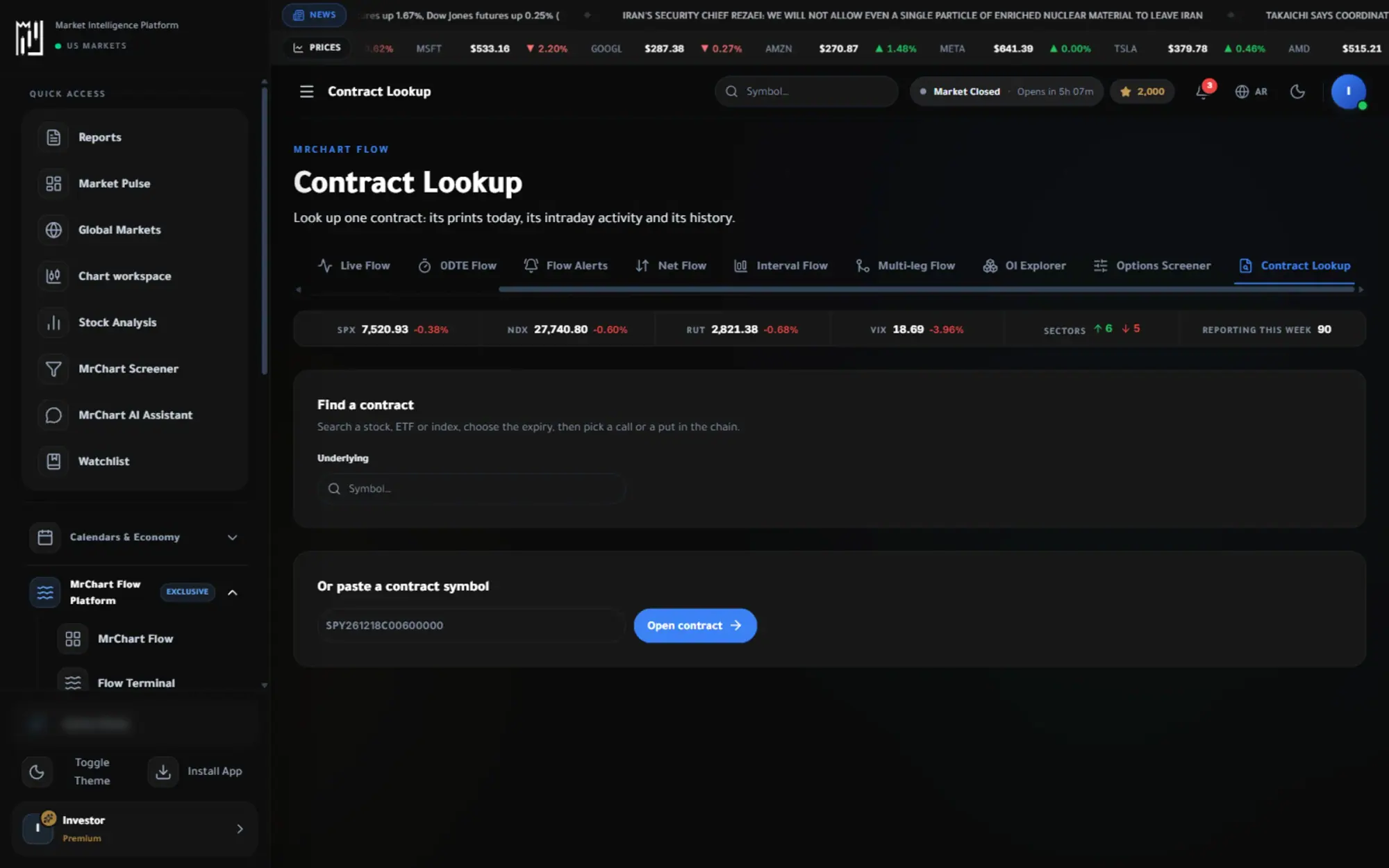
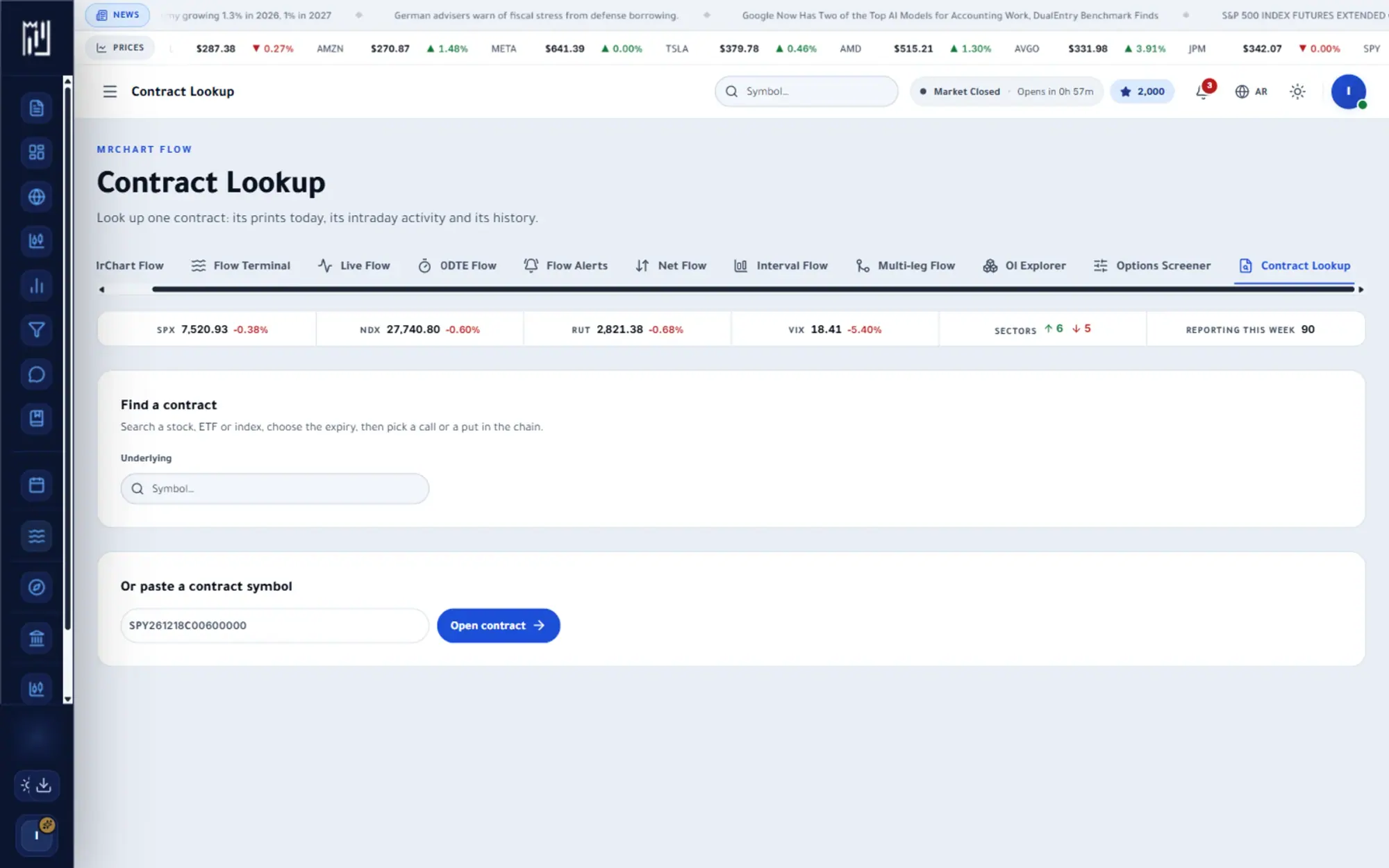
Contract Lookup opens the full story of one option contract. Find it by choosing an underlying, an expiry and a strike from the option chain, or paste its contract symbol. You then see the contract's facts now, every print of it today, its minute-by-minute volume and price, and its open interest and price history by session.
It is the place to land when a number elsewhere makes you ask what is behind it. A contract page shows volume by fill price, the side and size of each print, and the Greeks and implied volatility at the time of a trade. The page explains the data; it does not tell you whether to trade the contract.
In the platform
A closer look at Contract Lookup
What you get
Why use Contract Lookup
Any contract, by name
Type the symbol, strike and expiry and open its page.
Its history, trade by trade
Volume, open interest and prints over time, in one place.
The Greeks, explained
Delta, gamma, theta and vega shown with what each one means for the position.
How it works
How to use Contract Lookup in three steps
- 01
Find the contract
Search a stock, ETF or index, choose an expiry, then pick a call or a put at the strike you want. You can also paste the contract symbol directly.
- 02
Read its day
Check the prints today, the minute-by-minute volume, premium and price, and the volume by fill price.
- 03
Study its history
See open interest and last price by session, to understand how interest in the contract built over time.
Who it helps
Where it fits in your day
Checking a flagged trade
After seeing a large print in Live Flow or an alert, open the contract to see whether activity was one trade or many.
Learning the Greeks
Read delta, gamma, theta and vega at the time of a print to understand how the contract behaves.
Comparing strikes
Open neighbouring strikes of the same expiry and compare their volume and open interest.
Questions
Frequently asked questions
What is an option contract symbol?
It is a compact code that names one contract: the underlying, the expiry date, C or P for call or put, and the strike. MrChart accepts it directly and tells you if it is not valid.
What do the Greeks mean?
Greeks measure how an option's price is sensitive to different factors: delta to the stock price, gamma to how delta changes, theta to the passing of time and vega to volatility. They describe sensitivity, not direction.
What is the difference between strike and expiry?
The strike is the price at which the option can be exercised, and the expiry is the date the contract ends. Together with the underlying and call or put, they identify one contract.
See it on your own screen
Create a free account and open it in the platform. MrChart is an analytics and education platform. It does not give buy or sell recommendations or investment advice.