Reports
Research reports written for you: the market at the open, individual stocks and the options flow of the day.
- Opening report
- Stock reports
- Flow report
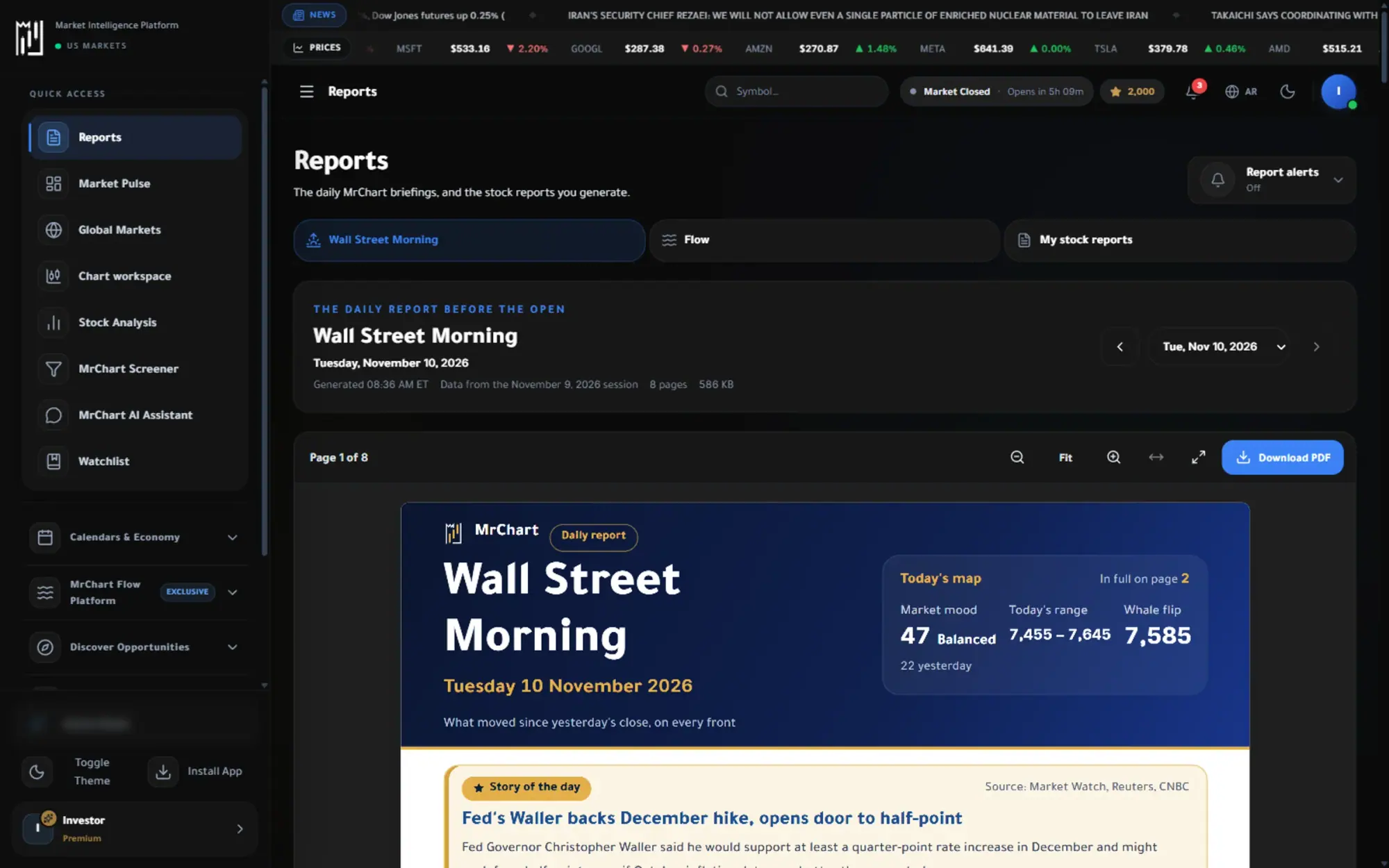
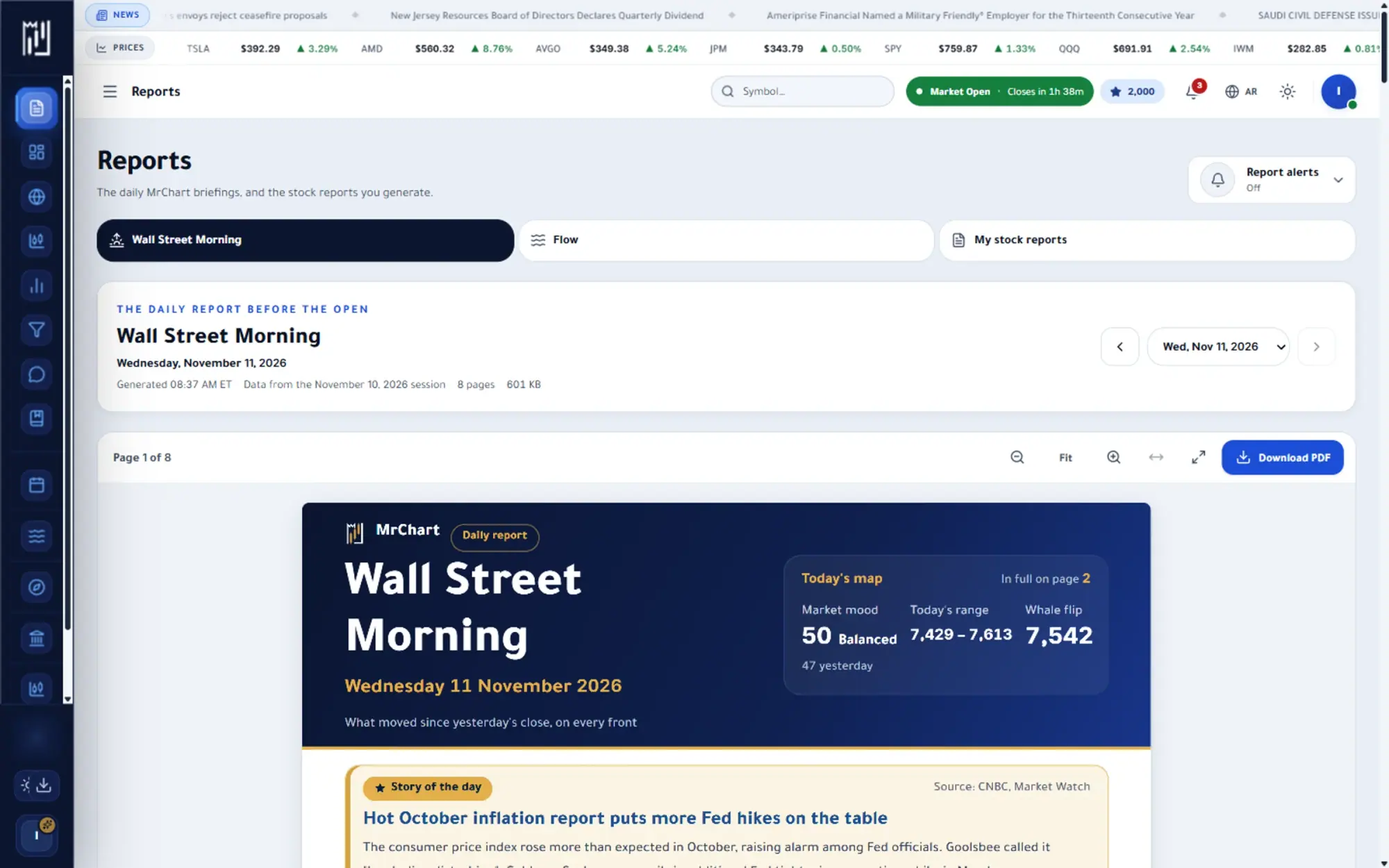
The question it answers
Can someone read the market and brief me?
Overview
What is Reports on MrChart?
MrChart Reports turn the market into something you can read in a few minutes. The hub has three parts: the Opening report for the session ahead, the Flow report on the day's options activity, and My stock reports, the PDF reports you generate for individual stocks and keep in your library.
Instead of piecing together a briefing from many screens, you open a finished document. Every report is a summary meant for learning and context, never a recommendation. You can also switch on emails to be told when a new report is ready, depending on your plan.
In the platform
A closer look at Reports
What you get
Why use Reports
Opening report
A briefing before the bell on what matters for the session ahead.
Stock reports
A structured report on a single stock, ready to read in minutes.
Flow report
The options flow of the day, summarised in order of importance.
How it works
How to use Reports in three steps
- 01
Pick a report type
Open the Reports hub and choose Opening, Flow or My stock reports from the tabs at the top.
- 02
Read it in the page
Open the report in the built-in viewer and move through its pages, with no separate download needed to start reading.
- 03
Keep what you need
Stock reports you generate are saved to your library, ready to open or download again, and you can turn on email notices for new reports.
Who it helps
Where it fits in your day
Starting the trading day informed
Read the Opening report first to see what matters for the session before you open any chart.
Reviewing a stock in minutes
Generate a structured report on one company and read its summary instead of collecting the numbers yourself.
Understanding the day's options activity
Use the Flow report to see where the day's options activity was concentrated, in order of importance.
Questions
Frequently asked questions
What is in the MrChart Opening report?
It is a briefing prepared before the session on what matters for the day ahead. You can find the latest one under the Opening tab of the Reports hub.
Can I download a stock report?
Yes. Reports you generate are saved to your library, where you can open them again or download them as a PDF.
Are reports free?
Access to reports depends on your plan. The pricing page shows which reports each plan includes.
More in Analysis & research
See it on your own screen
Create a free account and open it in the platform. MrChart is an analytics and education platform. It does not give buy or sell recommendations or investment advice.