Favorites
Pin the pages, stocks and tools you use most, so your own shortcuts are always one tap away.
- Your shortcuts
- On every device
- Start the day from here
The question it answers
Can I get back to what I use every day, faster?
Overview
What is Favorites on MrChart?
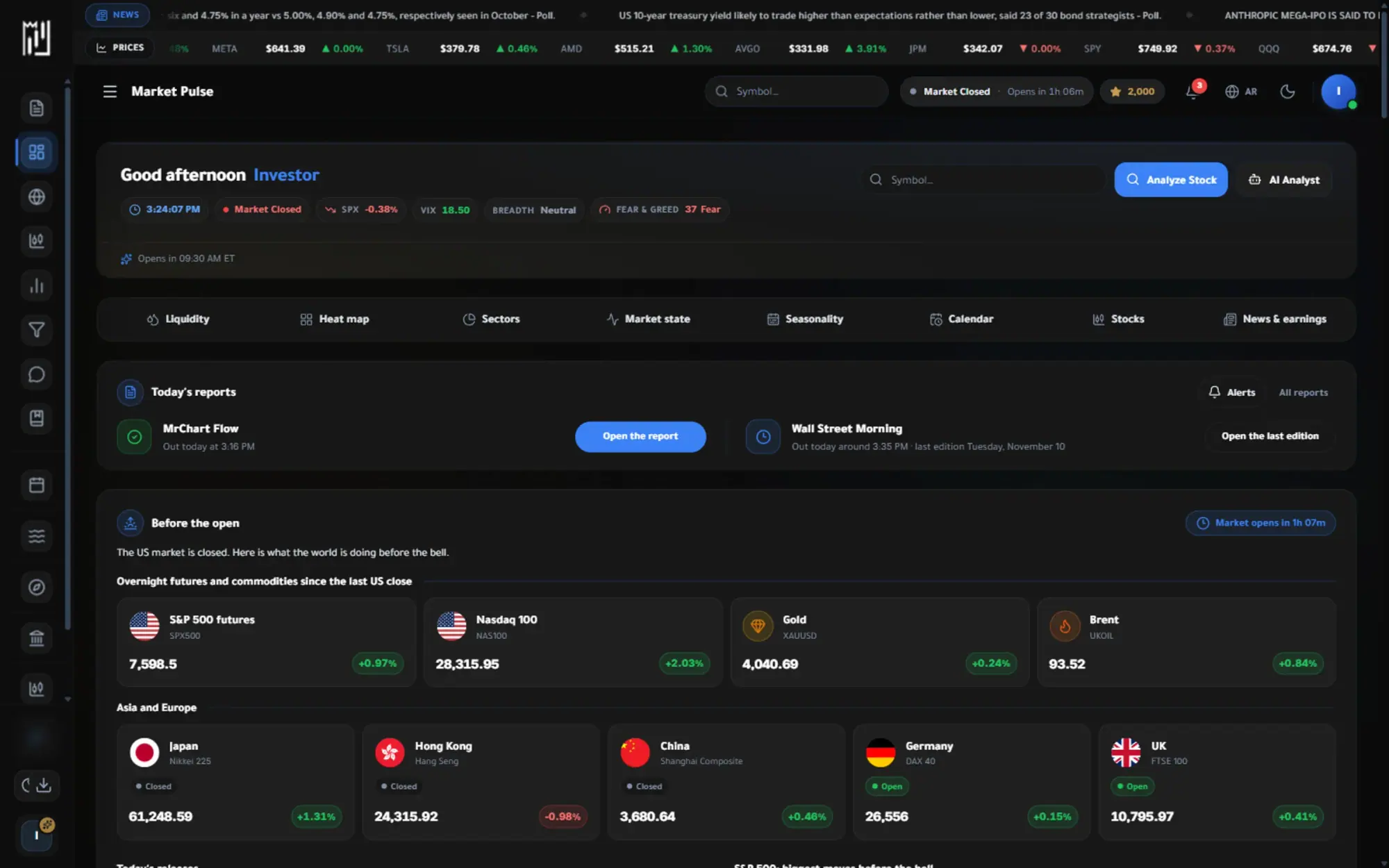
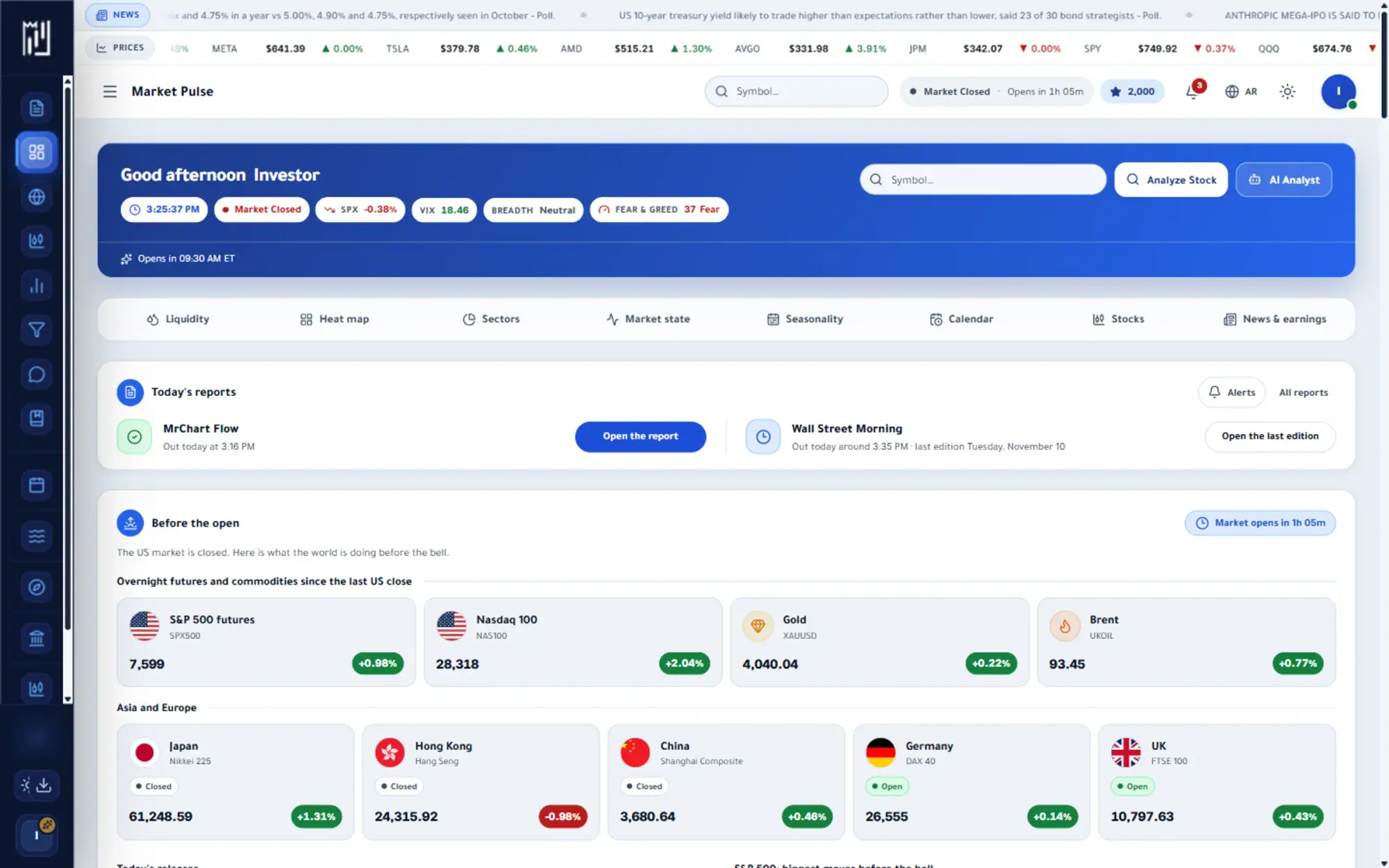
Favorites is your own shortcut list inside MrChart. Mark the stocks and pages you come back to most, and they gather in one place that opens as a tab of the Watchlist. The old Favorites address still works, so bookmarks and installed apps take you straight to it.
Because favorites belong to your account, they are there whenever you sign in, whether on the phone or the desktop. Add a new one by searching from the panel, or use the favorite button wherever you meet a stock, and start your day from a short list instead of a long search.
What you get
Why use Favorites
How it works
How to use Favorites in three steps
- 01
Mark what you use
Press the favorite button on a stock or page you return to, or search and add it from the Favorites panel.
- 02
Open your list
Go to the Favorites tab of the Watchlist, or open the Favorites address, which takes you there.
- 03
Jump straight in
Open any favorite from the list to land on its page, and remove the ones you no longer need.
Who it helps
Where it fits in your day
A morning routine
Open your favorites first and move through the names and pages you check every day.
Quick access on your phone
Reach your regular stocks in a tap, without searching on a small screen.
Separating regulars from research
Keep the names you follow constantly apart from your longer watchlist of targets and alerts.
Questions
Frequently asked questions
What are favorites on MrChart?
They are the stocks and pages you mark as your own shortcuts, gathered in one list. They sit beside your target watchlist as a second tab, so both are one tap apart.
How do I add a stock to my favorites?
Use the favorite button where you see the stock, or search for it from the Favorites panel and add it. You can remove it from the same list whenever you like.
Do my favorites sync between my phone and computer?
Yes, they follow your account, so the same list appears wherever you sign in.
See it on your own screen
Create a free account and open it in the platform. MrChart is an analytics and education platform. It does not give buy or sell recommendations or investment advice.