Sustainability & ESG
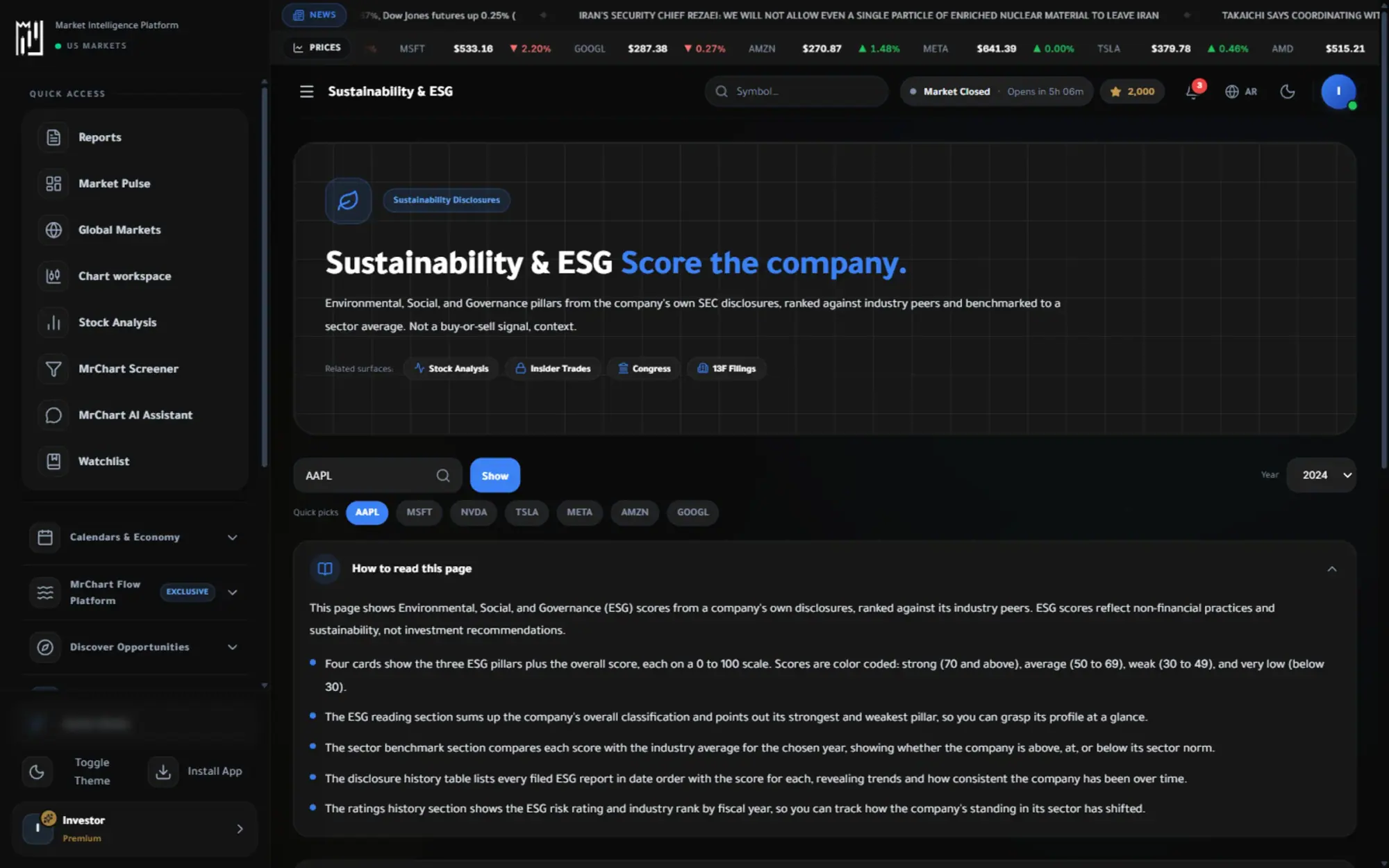
Environmental, social and governance scores for companies, so sustainability is part of the picture.
- Three pillars, one view
- Compare with peers
- Controversies in context
The question it answers
How does this company score beyond its earnings?
Overview
What is Sustainability & ESG on MrChart?
Sustainability & ESG shows how a company is scored on environmental, social and governance factors, one symbol at a time. Search a stock, choose a year, and see its total ESG score, its three pillar scores, a risk rating and its rank within its industry, with a plain explanation of what each one means.
ESG scores are published by data sources on their own schedule and methods, so they describe how a company is rated, not whether it is a good investment. The page lets you compare a company with its sector benchmark and look at how its ratings changed over time.
In the platform
A closer look at Sustainability & ESG
What you get
Why use Sustainability & ESG
Three pillars, one view
Environmental, social and governance scores shown separately and together.
Compare with peers
See where a company stands against its own industry.
Controversies in context
Flags and events that affect a company reputation and risk.
How it works
How to use Sustainability & ESG in three steps
- 01
Search a company
Type a symbol or pick one of the quick chips, and choose the year you want to read.
- 02
Read the three pillars
See the environmental, social and governance scores beside the total, the risk rating and the industry rank.
- 03
Compare with the sector
Check each score against the sector benchmark and open the ratings history to see how it changed.
Who it helps
Where it fits in your day
Screening for values
Check how a company scores on the pillars you care about before you add it to your research list.
Comparing within an industry
See whether a company sits above or below its sector benchmark on each pillar and on the total.
Spotting weak governance
Find the weakest pillar of a company's score and ask why, before you rely on its numbers alone.
Questions
Frequently asked questions
What is an ESG score?
It is a rating of how a company handles environmental, social and governance matters, such as emissions, workforce practices and board oversight. MrChart shows the total and each pillar so you can see where a company is strong or weak.
How do I read a company's ESG rating?
Start with the total and the risk rating, then look at the strongest and weakest pillar and compare with the sector benchmark. A higher or lower score is a description of how the company is rated, not a verdict on its stock.
Do all companies have ESG data?
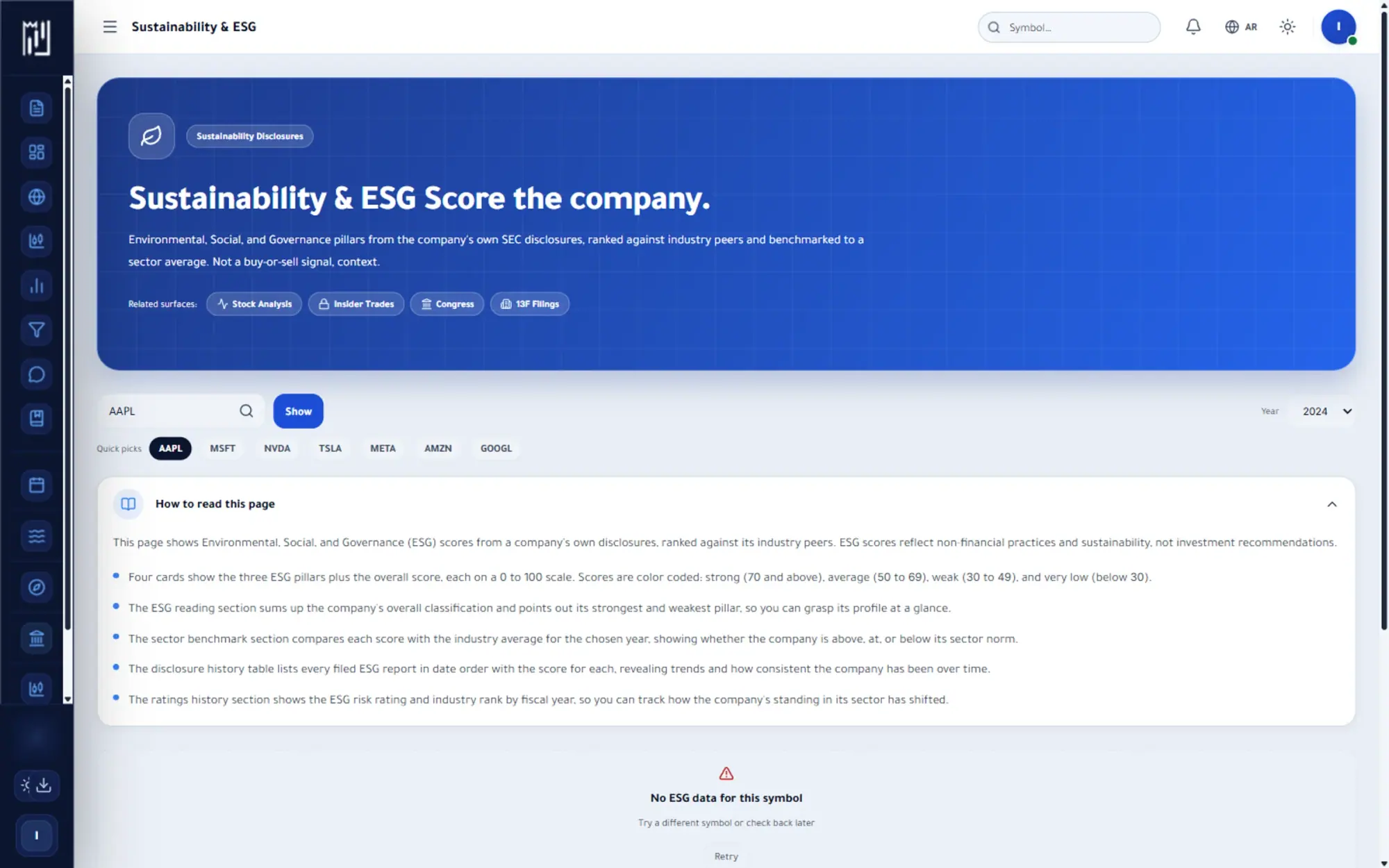
Not necessarily. If a symbol has no published scores, the page says so, and a company may also fall outside the sector benchmark. Scores are updated on their own schedule, so the latest disclosure date is shown.
See it on your own screen
Create a free account and open it in the platform. MrChart is an analytics and education platform. It does not give buy or sell recommendations or investment advice.