Discuss with AI
A chat window on every page of the platform that knows what you are looking at and can talk it through.
- Knows the page
- Choose who answers
- Always at hand
The question it answers
Can I just ask about what is on my screen?
Overview
What is Discuss with AI on MrChart?
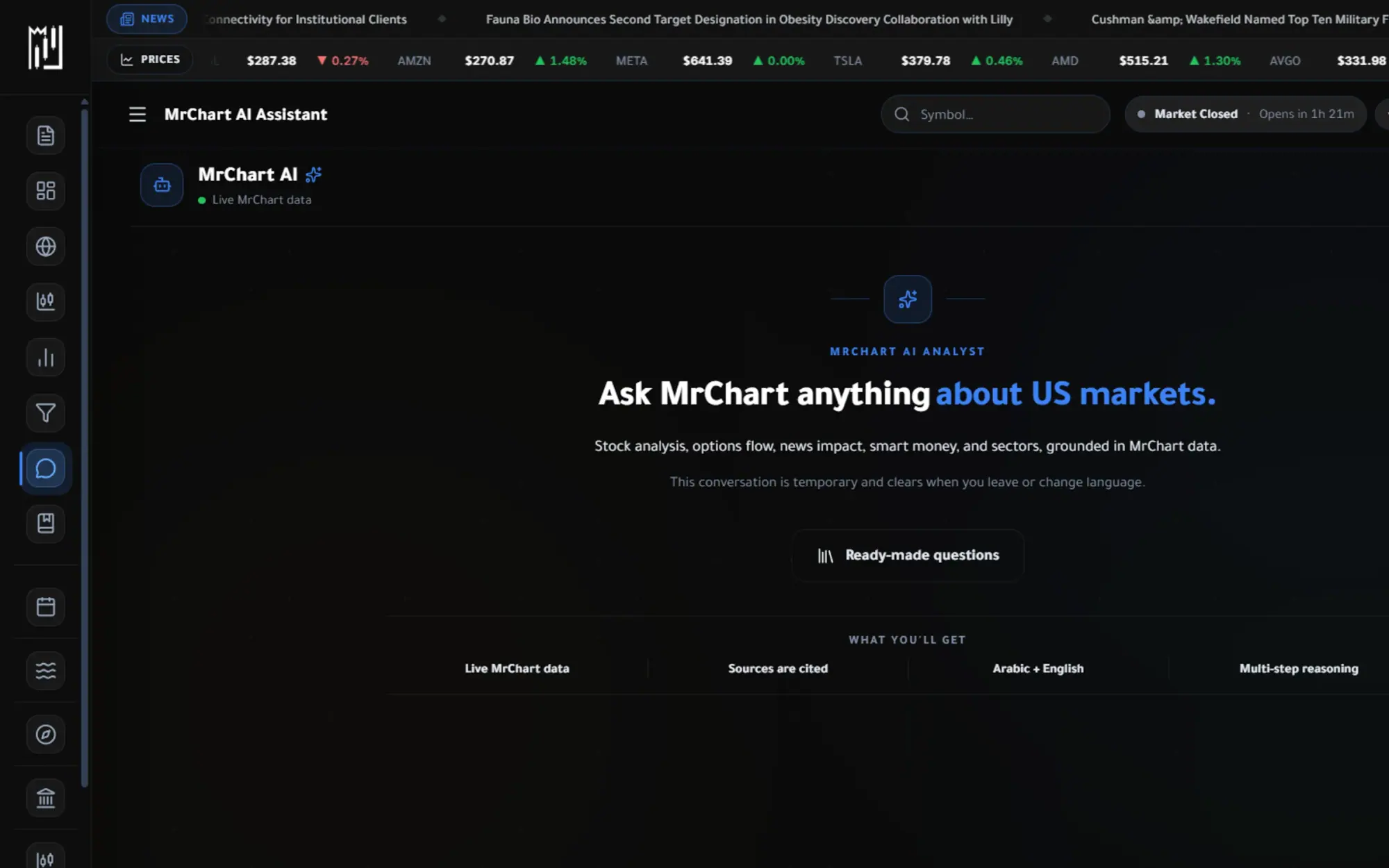
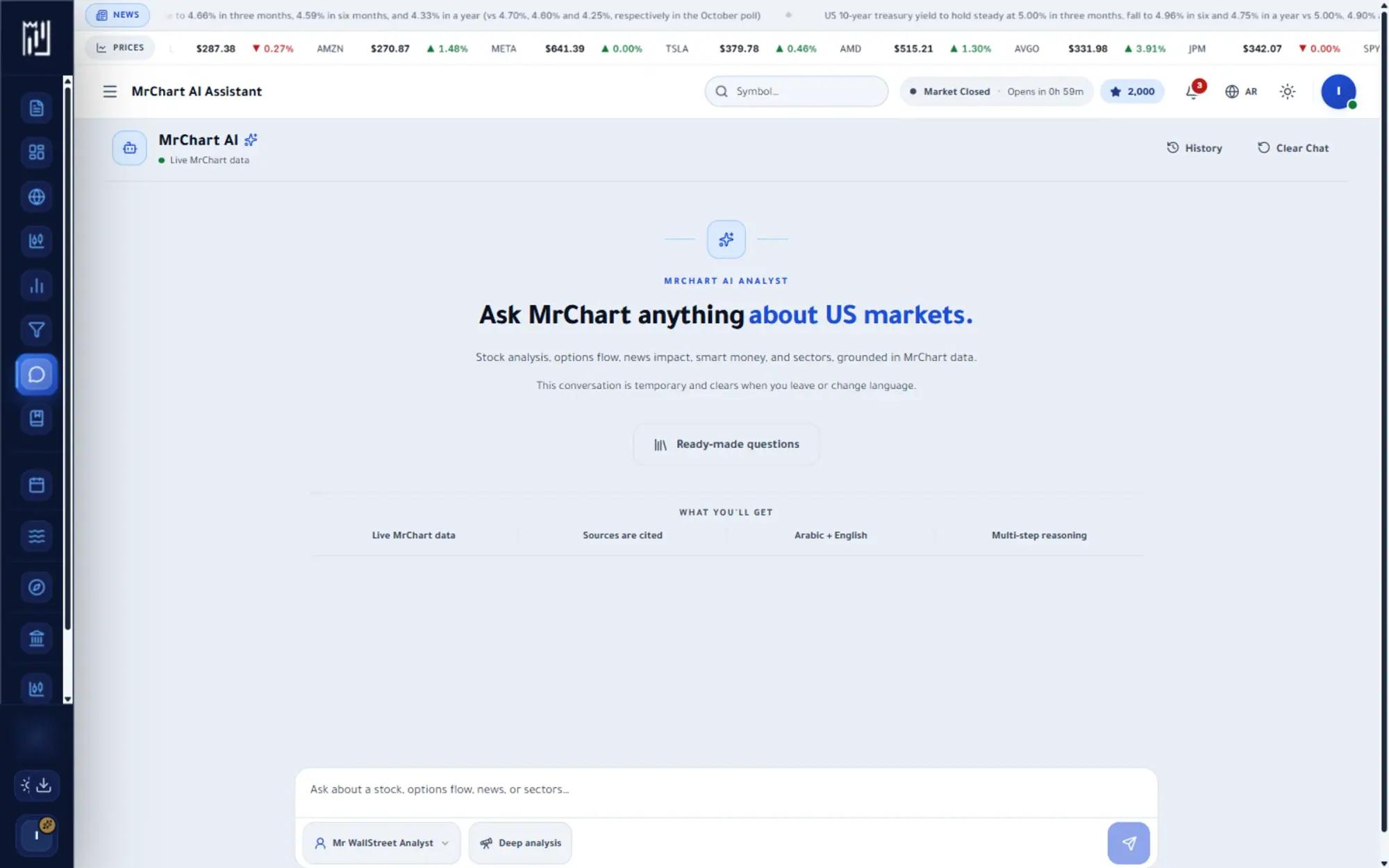
Discuss with AI is a chat window that floats over every page of the platform and knows what you are looking at. Open it from the corner launcher, or from a Discuss with AI button on an analysis page, a chart or a flow table, and the conversation starts from that page instead of from a blank box.
You choose who answers: pick a persona, or switch on Agent Mode to run one specialist directly for the question in front of you. The panel can be dragged around the screen, so the discussion sits beside your work. It explains and compares, and it never gives buy or sell instructions.
What you get
Why use Discuss with AI
How it works
How to use Discuss with AI in three steps
- 01
Open the dock
Press the launcher in the corner of any platform page, or a Discuss with AI button next to the content you are reading.
- 02
Pick who answers
Choose a persona, or use Agent Mode to run a specialist that fits the page, such as a technical or a flow view.
- 03
Ask and keep working
Type your question, drag the panel where it helps and keep the page open while you talk it through.
Who it helps
Where it fits in your day
Explaining a screen
Open it on a flow table or an analysis and ask what a column or a reading means, with the page as context.
Talking through a chart
On the chart page, the chart copilot, called Rasim in Arabic, can discuss the chart and mark levels on it from real candles.
A quick second opinion
Ask a specialist for a focused view on the stock you are studying, without leaving the page.
Questions
Frequently asked questions
What is Discuss with AI?
It is a floating chat panel on every platform page that is aware of the page you are on. It lets you ask about a stock, a chart or a table in plain language and get an answer built on MrChart's data.
How do I ask the AI about the chart I am looking at?
Open the dock from the corner launcher or from a Discuss with AI button on the page. It starts with the page's context, so you can ask about what you see without describing it.
Is Discuss with AI free?
It depends on your plan. The pricing page shows what is included in each plan, so check it to see how the dock is offered to you.
See it on your own screen
Create a free account and open it in the platform. MrChart is an analytics and education platform. It does not give buy or sell recommendations or investment advice.